This is the checklist we run for every local business we work with — bookmark it, work it top to bottom, and check items off as you go. No theory, no fluff. Just the 38 things that actually move the needle when you're trying to show up when someone in your town searches for what you sell.
Local SEO isn't one big thing. It's a stack of small, boring, repeatable wins. Most business owners do three or four of these and wonder why they're stuck on page two. The ones who win do the whole list — and then keep doing the reviews and content parts forever. Let's get into it.
How local SEO actually works
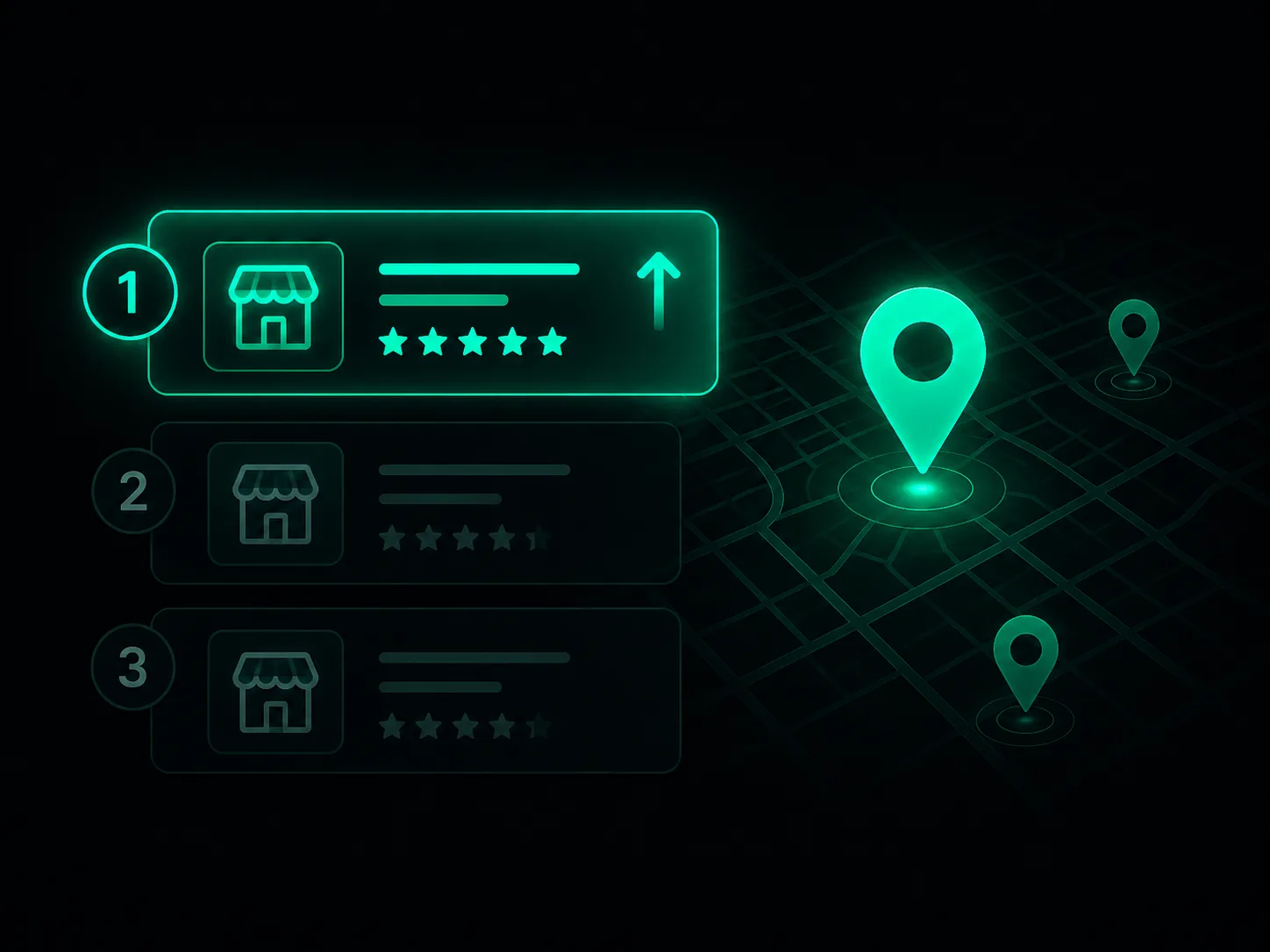
When someone searches "plumber near me" or "best tacos in Billings," Google shows two things: the Map Pack (the box with three businesses and a map) and the organic results (the regular blue links below it). They're ranked by different signals, and you want both.
The Map Pack runs mostly on your Google Business Profile — your categories, how close you are to the searcher, and your reviews. The organic results run on your website — its relevance, content, and the links pointing to it. This checklist covers everything that feeds both. Print it, save it, work it.
1
Google Business Profile (the #1 lever)
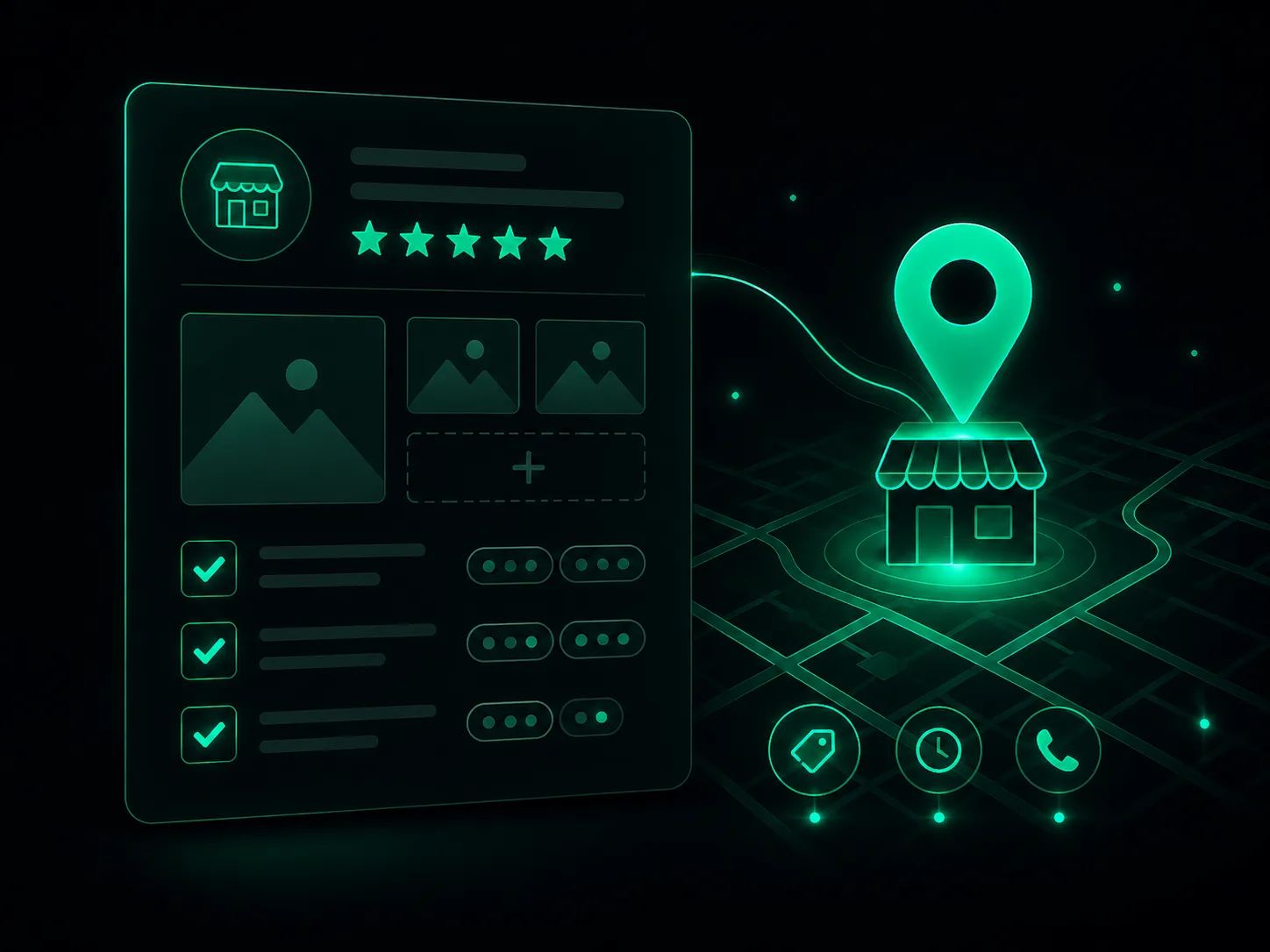
If you do nothing else on this list, do this section. Your Google Business Profile is the single biggest factor in whether you show up in the Map Pack. It's free, and most of your competitors have it half-finished. Beat them by completing every field.
✓ Claim your profile — Search your business on Google. If a listing exists, claim it at business.google.com. If not, create one. Never leave it unclaimed.
✓ Verify it — Complete Google's verification (postcard, phone, video, or email). You can't edit anything until you're verified.
✓ Set the right primary category — This is the most important field on the whole profile. Pick the most specific category that fits ("Mexican Restaurant," not just "Restaurant").
✓ Add secondary categories — Add every additional category that genuinely applies. Each one is a new way to get found.
✓ Confirm NAP is correct — Name, address, and phone number must be exactly right and match your website word for word.
✓ Set accurate hours — Include holiday hours. Wrong hours kill trust and Google notices the complaints.
✓ Write a keyword-rich description — Use your 750 characters to describe what you do, who you serve, and the town you're in — naturally, not stuffed.
✓ List all your services — Add every service with its own name and description. This feeds the searches you can rank for.
✓ Add products if relevant — Products show with photos and prices and take up real estate in your listing.
✓ Upload real photos — Exterior, interior, team, and work samples. Profiles with photos get far more clicks and calls than those without.
✓ Set your service area — If you travel to customers, define the towns and zip codes you serve.
✓ Post weekly — Use Google Posts for offers, updates, and events. An active profile signals a live business.
✓ Answer the Q&A section — Seed your own common questions and answer them. Anyone can post there, so own it before a competitor does.
✓ Turn on messaging — Let customers text you directly from the listing, and actually reply.
2
On-Page Local SEO
This is the work you do on your own website so Google understands where you are and what you do. The Map Pack gets you visibility; strong on-page SEO gets you the organic listings underneath it — and those clicks add up.
✓ Put your city in title tags — Your homepage title should read like "Emergency Plumber in Billings, MT | Acme Plumbing." City + service is the formula.
✓ Use the city in your H1 and headings — Make it obvious to both Google and visitors which town you serve.
✓ Make NAP consistent on-site — Show your exact name, address, and phone in the footer of every page, matching your profile exactly.
✓ Build dedicated location pages — If you serve multiple towns, give each one its own real page with unique content — not a copy-paste with the city swapped.
✓ Add LocalBusiness schema markup — This structured-data code tells Google your name, address, phone, hours, and geo-coordinates in a language it reads perfectly.
✓ Embed a Google Map — Drop a map of your location on your contact page. It reinforces your address.
✓ Make every page mobile-friendly — Most local searches happen on phones. If it's hard to tap or read on mobile, you lose the customer and the ranking.
✓ Fix your page speed — Aim for a PageSpeed score above 85. Slow sites get fewer conversions and Google factors speed into rankings.
✓ Write unique meta descriptions — Each page needs its own description with the city and a reason to click.
✓ Use descriptive, local image alt text — "Acme Plumbing van in downtown Billings" beats "IMG_4821.jpg."
Pro Tip
Don't spin up ten thin location pages overnight — Google treats near-duplicate doorway pages as spam. Build one strong location page at a time, with real photos, real testimonials, and content specific to that town.
See exactly where you're missing customers on your website and Google Business Profile — free, in minutes, no card. And get the exact fixes to win them back — free. Want them done for you? We offer done-for-you at the bottom of your report.
100% free · Full report + the fixes · Nothing to buy
5
Local Content
Content is how you rank for the dozens of specific searches your customers make beyond your main service. It tells Google you're the local authority — and it gives you something fresh to post everywhere.
✓ Build city and neighborhood pages — One genuinely useful page per area you serve, with local detail, not a template clone.
✓ Answer real local questions — Blog the things customers actually ask: "How much does X cost in [city]?" or "Do I need a permit for X in [county]?"
✓ Add an FAQ section — Put the questions you hear every day on your site. They capture voice searches and "near me" long-tail queries.
✓ Cover local events and seasons — Tie content to your town's seasons, events, and conditions. Hyper-local relevance is hard for chains to fake.
✓ Show local proof — Case studies, before/afters, and testimonials naming the neighborhood reinforce that you work right there.
6
Local Links
Backlinks — other websites linking to yours — tell Google you're trusted. For local SEO, a link from a relevant local site often beats a link from a big national one. You don't need hundreds; you need the right local ones.
✓ Join your chamber of commerce — Membership usually comes with a directory listing and a backlink from a trusted local domain.
✓ Sponsor something local — A youth team, a 5K, a school event. Most sponsorships include a link from the organizer's site — and goodwill in your town.
✓ Build partner links — Swap links with non-competing local businesses you refer (the realtor links the stager, the stager links the realtor).
✓ Get into local press — A genuinely newsworthy story or a quote in the local paper earns a high-authority local link.
✓ Get listed by suppliers — Many brands you carry have a "where to buy" or dealer page. Ask to be added.
✓ Earn .edu and .org links — Local scholarships, nonprofit support, and community involvement can earn links from high-trust domains.
7
Technical SEO
This is the plumbing. None of it is glamorous, but if Google can't crawl, index, and trust your site, nothing above matters. Most of it you set up once and check occasionally.
✓ Verify in Google Search Console — This is your direct line to Google: it shows what you rank for, crawl errors, and indexing problems. Set it up first.
✓ Submit your sitemap — Hand Google a map of your pages so it finds and indexes everything.
✓ Confirm your pages are indexed — Search "site:yourdomain.com" to check. Pages that aren't indexed can't rank — period.
✓ Run the whole site on HTTPS — A valid SSL certificate (the padlock) is a baseline trust and ranking signal. No exceptions.
✓ Fix broken links and 404s — Dead links waste crawl budget and frustrate visitors. Find and fix them.
✓ Check mobile usability — Use Search Console's reports to catch mobile errors Google is flagging on your pages.
Warning
If your site still isn't on HTTPS, browsers literally label it "Not Secure" to every visitor. That's a deal-breaker for trust and an easy ranking loss. Fix it before anything else on this list.
8
Tracking & Measurement
You can't improve what you don't measure. These tools tell you whether all the work above is actually producing calls, clicks, and customers — so you double down on what works and stop guessing.
✓ Install Google Analytics 4 — Free, and the foundation for seeing where your traffic comes from and what it does on your site.
✓ Track phone calls and form fills — Set up call tracking and form-submission events so you count the actions that mean money, not just pageviews.
✓ Watch your Business Profile insights — The Performance tab shows calls, direction requests, and the searches that found you. Pure gold for local.
✓ Track your rankings — Use a rank tracker (or just search incognito) to watch your position for your key terms over time.
✓ Review monthly, not daily — Local SEO compounds over months. Check the trend monthly so you see real signal, not daily noise.
What to do first (if 38 steps feels like a lot)
It is a lot — and you don't do it all in one weekend. Here's the order that gets you the fastest results:
Week 1: Claim, verify, and fully complete your Google Business Profile. This alone can move the Map Pack.
Week 2: Fix your NAP everywhere and clean up the core citations and directories.
Week 3: Build a review system and start asking every customer. Then keep doing it forever.
Week 4 and beyond: On-page SEO, local content, links, technical, and tracking — the compounding work that builds a moat over time.
Do the profile and reviews first because they pay off fastest. Everything else stacks on top. Work the list, stay consistent, and you'll climb past the competitors who did three steps and quit.
Get more customers already searching for you.
See exactly where you're missing customers on your website and Google Business Profile — free, in minutes, no card. And get the exact fixes to win them back — free. Want them done for you? We offer done-for-you at the bottom of your report.
100% free · Full report + the fixes · Nothing to buy
Frequently Asked Questions
For the Google Map Pack, your Google Business Profile is the single biggest lever — specifically your primary category, proximity to the searcher, and your review signals (quantity, rating, recency, and keywords inside reviews). For the regular organic results below the map, it's your website's relevance and authority. Most owners over-invest in their website and under-invest in their Google Business Profile. Fix the profile first.
You can rank in the Google Map Pack with just a Google Business Profile, but you'll cap out fast. A website is what lets you create location pages, publish local content, earn backlinks, add LocalBusiness schema, and show up in the organic results — the listings below the map. It also gives Google more confidence that you're a real, established business. For any business serious about growth, yes, you need a website.
Consistency matters far more than volume. Getting your name, address, and phone number (NAP) identical across the 15 to 20 core directories — Google, Bing, Apple Maps, Yelp, Facebook, your industry-specific sites, and the major data aggregators — beats having 100 sloppy, mismatched listings. Once your core citations are clean and consistent, additional ones offer diminishing returns.
NAP stands for Name, Address, and Phone number. NAP consistency means that information is written exactly the same way everywhere your business appears online — your website, Google Business Profile, Yelp, Facebook, directories, everything. Even small differences like "St." versus "Street" or two different phone numbers can confuse Google about whether listings refer to the same business, which hurts your rankings. Pick one format and use it everywhere.
Yes. The fundamentals in this checklist are things any business owner can do without technical skills — claiming and completing your Google Business Profile, fixing your NAP, asking for reviews, and writing local content. The parts that get tricky are schema markup, technical fixes, and earning quality backlinks. Start with the profile and reviews yourself, then bring in help for the technical and link-building work once the basics are handled.