How to Show Up in Google Search: What Local Business Owners Need to Know
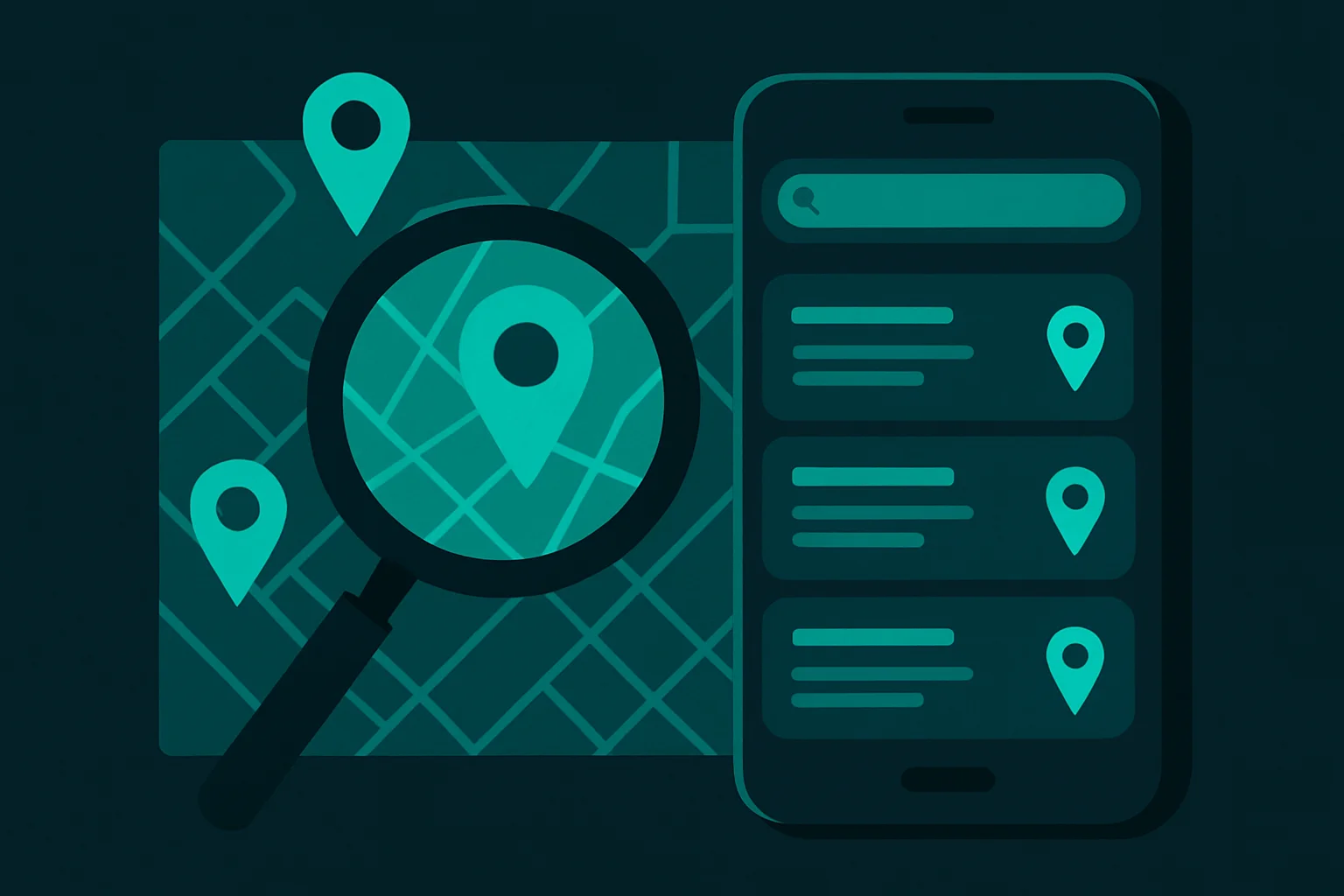
There are two places your business can show up on Google, and they work differently. The Maps pack — those three business listings with the map at the top of local search results — is driven almost entirely by your Google Business Profile. The organic blue-link results below it are driven by your website. Both matter. And both are winnable for local businesses without spending a dollar on ads.
This guide walks you through exactly what to do for each — from step one (claiming your listing) to the checks most businesses skip (indexing, directories, Search Console). Do these seven things and you'll be ahead of most of your local competitors.
What's in this guide
- Claim and verify your Google Business Profile
- Optimize your GBP
- Add your city and services to your website
- Get listed in directories with consistent NAP
- Build reviews consistently
- Submit your sitemap to Google Search Console
- Check if your site is indexed
- Common reasons businesses don't show up
- Frequently asked questions
Claim and verify your Google Business Profile
If you haven't done this yet, it's the single highest-leverage action you can take. Go to business.google.com, search for your business name, and claim it. If it's not there yet, create it from scratch.
Fill every field completely:
- Business name (exact legal name — no keyword stuffing)
- Primary category (the most specific one that fits what you do)
- Address or service area
- Phone number
- Website URL
- Hours (including holiday hours when applicable)
- Business description (up to 750 characters)
Then verify ownership. Google will send a postcard, call, or email depending on your business type. Unverified listings rank poorly — don't skip this step.
Choose your primary category carefully. It's one of Google's strongest ranking signals for the Maps pack. If you're an HVAC company, "HVAC contractor" will outperform "contractor" or "home services" for the searches that actually convert.
Optimize your GBP — don't just set it and forget it
A claimed profile with the minimum info filled in won't rank well. Google rewards complete and active profiles. Here's what active looks like:
- Business description: Write 2–3 sentences that include your primary service and city. Example: "Family-owned plumbing company serving Billings, MT since 2008. We handle emergency repairs, water heater installs, and full bathroom remodels."
- Services: Add every service you offer using the Services section. Include the service name and a short description. This feeds directly into what searches you appear for.
- Posts: Post a weekly update — a completed job, a tip, a promotion, anything. Active profiles rank higher than dormant ones.
- Photos: Add at least 10 real photos. Exterior, interior, team, work samples. Listings with photos get significantly more engagement.
- Q&A: Pre-populate the Q&A section with common customer questions and your answers.
Respond to every review — positive and negative. Google tracks response rate as a signal of how engaged you are with your listing. A business with 40 reviews and 100% response rate ranks better than one with 40 reviews and 20% response rate.
Make sure your website mentions your city and services
For organic search rankings (the blue links below the Maps pack), your website needs to tell Google exactly where you operate and what you do. This is simpler than most people think.
On your homepage, at minimum:
- Page title: Include your primary service and city. "Billings Plumber | [Your Business Name]" or "HVAC Repair in Billings, MT — [Your Business Name]"
- H1 heading: Your city and service in the first heading people see
- Body copy: Mention your city naturally 3–5 times. Don't stuff it — write for humans.
- Footer: Your full address in text (not just an image). This helps Google confirm your location.
If you serve multiple cities, create a dedicated page for each one. "Plumber in Laurel, MT" and "Plumber in Billings, MT" rank independently.
Don't keyword-stuff your page title or H1. "Best Plumber Billings MT Plumbing Services Billings Montana" is a red flag to Google and reads poorly to humans. One clear, natural phrase is all you need.
Get listed in directories with consistent NAP
NAP stands for Name, Address, Phone — and consistency across the web is a real ranking signal. Google cross-references your business information across the internet to verify you're legitimate. Inconsistent info creates doubt.
Priority directories to be listed on:
- Yelp (yelp.com/biz)
- BBB (bbb.org)
- Bing Places (bingplaces.com)
- Apple Maps Connect (mapsconnect.apple.com)
- Industry-specific directories (HomeAdvisor, Angi, Houzz for trades; Healthgrades for healthcare, etc.)
Your business name, address, and phone number must match exactly on every platform — including how you abbreviate "Street" vs "St." and whether you include "LLC."
Build reviews — quantity and recency both matter
Reviews are one of the top three ranking factors for the Google Maps pack. But it's not just about having a lot of them — Google weighs recency heavily. 5 reviews from last month beats 50 reviews from 2019.
The simplest system: after every completed job, text the customer your Google review link and ask them directly. "If you have 60 seconds, a Google review would mean a lot to us — here's the link." That's it.
Aim for at least 2–4 new reviews per month. Consistency beats volume spikes. A sudden burst of 30 reviews followed by nothing for 8 months looks unnatural to Google and loses its ranking impact over time.
Get your Google review link from your GBP dashboard under "Ask for reviews." Shorten it and save it as a draft text message on your phone so you're one tap away from sending it after every job.
Submit your sitemap to Google Search Console
Google won't rank pages it hasn't found. Search Console tells Google where your pages are.
To set it up:
- Go to search.google.com/search-console
- Add your website as a property and verify ownership (Google gives you several ways — adding a DNS record or uploading an HTML file are most common)
- Once verified, go to Sitemaps in the left menu
- Submit your sitemap URL — usually yourdomain.com/sitemap.xml
Search Console also shows you which search terms are bringing people to your site, which pages are getting clicks, and any indexing errors. It's free and takes 30 minutes to set up. There's no reason not to have it.
Check if your site is indexed at all
Before anything else can work, Google has to have found your website. Many small business sites have indexing problems they don't know about — a misplaced "noindex" tag, a robots.txt file blocking crawlers, or a new site that was never submitted anywhere.
The quick check: type site:yourdomain.com into Google (example: site:mybillingsbusiness.com). If results appear, you're indexed. If nothing shows up, you have a problem.
Common indexing blockers:
- WordPress "Discourage search engines" setting accidentally left on
- robots.txt blocking Googlebot
- New site with no inbound links and no sitemap submitted
- Password protection or staging environment accidentally left live
If you're not indexed, fix the blocker first, then request indexing in Google Search Console (URL Inspection tool → "Request indexing").
Common reasons businesses don't show up — and quick fixes
You're in a different city than where you're searching
Google personalizes results by location. If you're searching from your office in one part of town, you may see different results than a customer in another neighborhood. Use an incognito window and add your city to the search query to get a more accurate view of how you rank.
You're using different keywords than your customers
You might search "HVAC contractor" but your customers search "air conditioning repair near me." Search from your customer's perspective. Look at what phrases your competitors show up for. If you're not optimizing for the terms people actually type, you won't show up for them.
Your GBP is in the wrong category
Category is one of Google's strongest Maps ranking signals. If you're a chiropractor listed under "Health" instead of "Chiropractor," you're invisible to most relevant searches. Go to your GBP, click Edit profile, and audit your primary and secondary categories.
Your listing was suspended
Suspended listings disappear from search entirely. If your GBP dashboard shows a suspension notice, you'll need to file a reinstatement request with Google. Common causes include a keyword-stuffed business name, a virtual office address, or a guideline violation. Clean up the issue before filing.
Google matches your listing to searches based on category, keywords in your profile, and your location relative to the searcher. If you show up for "plumber Billings" but not "emergency plumber near me," your profile may be missing those keyword signals in your services list or description.
No. The Maps pack and organic blue-link results are free — you earn them through optimization. Google Ads let you pay to appear at the top of results, but that's separate. When you stop paying for ads, the visibility stops. Organic rankings are a long-term asset you own.
Google Ads are paid placements at the top of results, labeled "Sponsored." Organic results below are earned through SEO. Ads get immediate visibility but cost money per click. Organic takes time to build but is free and often more trusted by searchers. Both have their place.
Yes. Page speed is a confirmed Google ranking factor. A slow site hurts your organic rankings and user experience. Run yours through pagespeed.web.dev — if you're below 70 on mobile, that's hurting you. Key fixes: compress images, reduce unused JavaScript, use a fast host.
"Near me" searches are dominated by the Google Maps 3-pack. You need a verified Google Business Profile with your correct address or service area, a complete profile with photos and reviews, and consistent NAP across all directories. Distance from the searcher also plays a role — focus on what you can control.