Optional
Included on every plan
Add OpenRouter
One key unlocks dozens of AI models as a cheap backup to your Claude.
✅ What this unlocks: a whole menu of extra AI models — GPT, Gemini, Llama and more — that you can pick for lighter tasks, plus a handy fallback any time you want a different brain on the job. Your Claude still runs the box; OpenRouter just gives you options.
Add it in four quick steps
This one's fully self-serve — no call needed. Grab a key, paste it in, and you'll see a green dot. A few minutes, tops.
- Create a free OpenRouter key.
Go to
openrouter.ai/keys, make a free account, and create a key. Add a little credit while you're there — usually a few dollars is plenty.
- Open your Integrations.
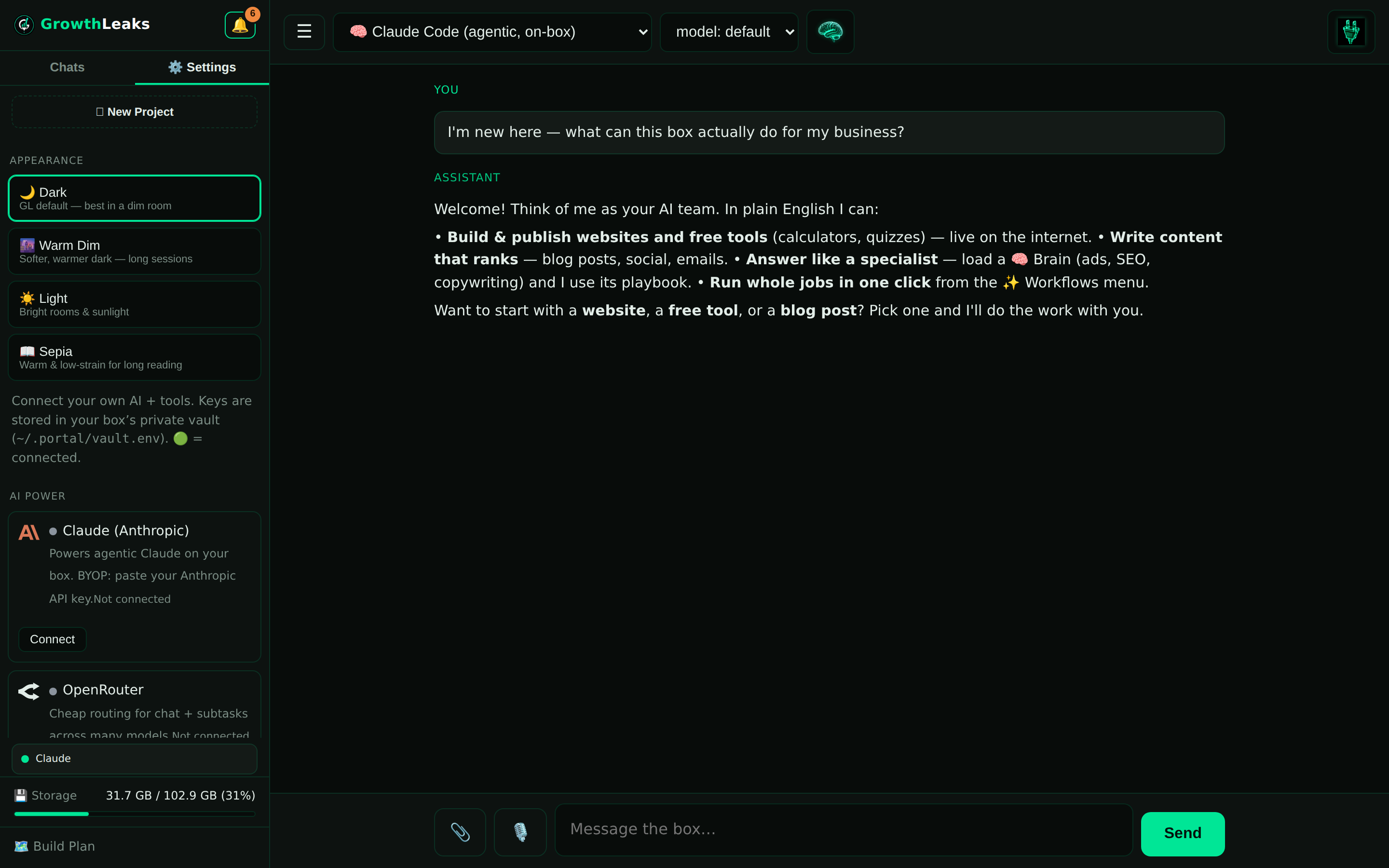
In the portal, click ⚙️ Settings (bottom-left) → Integrations → find OpenRouter.
- Paste the key and save.
Drop your key in and click Save. A green dot means you're connected.
- Pick a model when you want one.
In any chat, use the engine dropdown in the top bar to switch to an OpenRouter model whenever a task calls for it.
🤖 Hand this to your box
Once your key is saved, you can ask your box to check it for you. Paste this into a chat:
Confirm my OpenRouter connection is live and list a couple of models I can pick from.
How you'll know it worked
You'll see a green dot next to OpenRouter in Settings, and OpenRouter models show up in the top-bar engine dropdown in your chats. If both are there, you're good to go. No green dot, no models? Jump to the questions below or email us.
Common questions
Do I need this if I have Claude?
No — it's completely optional. Your Claude runs the box and does the real work. OpenRouter is just a cheaper or alternate option to have on hand, not something you need to get started.
Does it cost extra?
You pay OpenRouter directly for what you use — usually just pennies per task. Add a few dollars of credit to your OpenRouter account and you're set. There's no charge from us for connecting it.
Which model should I pick?
For real work, stick with your Claude — it's the main engine. When you just need a quick draft or a lighter task done cheaply, try one of the OpenRouter models from the dropdown and see what you like.
💬 Need a hand?
Stuck on the key or don't see the green dot? Email us and we'll get OpenRouter wired up on your box.
Email support →
 GrowthLeaks · Portal Help